About LingoTracker
LingoTracker is a translation management tool built for Transloco. Other libraries can load its JSON bundles when their placeholder syntax matches. Turn off ICU-to-Transloco conversion for runtimes that read ICU directly. It stores source strings and their translations in your Git repository and tracks which translations are current. It generates the runtime JSON bundles and the TypeScript key constants your application loads.
It ships as one npm package with three ways in:
- a CLI (
lingo-tracker) for authoring, maintenance, bundling, validation and import/export - a web UI (
lingo-tracker-app) for browsing and editing translations, backed by a local REST API - an installable AI assistant skill that teaches Claude Code or a similar tool how to run the i18n workflow in your repository
There is no hosted service and no account. Everything runs on your machine or in your CI job and writes plain JSON files.
Who it is for
Teams that keep translations in their repository, review changes in pull requests, and want a release gate for translation completeness. It fits Angular projects using Transloco best, because the generated bundles and ICU-to-Transloco conversion match that library. The storage format, CLI and API do not depend on Angular.
The problem it solves
Translation files in a repository usually hold only values. Nothing records whether a translation is still valid after the English text changed, who reviewed it, or which strings a vendor still owes you. Teams end up with stale translations shipping silently, duplicated strings, and no release gate.
LingoTracker stores a small metadata file next to each group of values. That metadata is what makes the rest possible.
What it does
Know which translations are current. Every translation has a status: new, translated, stale or verified. When a source string changes, checksums mark every existing translation stale and leave untranslated copies new, without anyone having to remember. See Concepts.
Pull requests show which strings and statuses changed. Resources live in folders derived from their dot-delimited keys. Each folder has one file for values and one for metadata, so reviewers see exactly what changed.
Ship bundles and typed keys. The bundle command assembles one JSON file per locale from any mix of collections, key patterns and tags. It can emit a TypeScript constant tree, so a mistyped key is a compile error. See Bundling and Bundle Type Generation.
Fail CI before bad translations ship. The validate command fails when a translation is missing, stale or unreviewed. It also compiles every value as an ICU message under its own locale, so a plural form that is valid in English but invalid in Japanese is caught before it renders as an empty string. See Validate.
Hand strings to translators and take them back. Export new and stale strings to XLIFF 1.2 or JSON, send them out, and import the result with a strategy that sets the right status. Import repairs placeholder names translators changed, rejects translations that altered a protected term, and writes a Markdown summary of what happened. See Export and Import.
Protect terms and flag discouraged wording. Protected terms survive translation unchanged. Preferred terminology flags discouraged wording in your source text. The glossary command gives help-content translators the terms your UI already uses. See Protected Terms, Preferred Terminology and Glossary.
Translate the simple cases by machine. When auto-translation is enabled and a Google Cloud Translation key is configured, new strings are translated as you add them. Placeholders are protected, complex ICU messages are left for humans, and the result is marked translated, never verified. See Auto-Translation.
Bundle a library's translations without editing them. A read-only collection can be browsed, bundled, exported and validated but not changed. add-collection defaults folders under node_modules to read-only. See Concepts.
Move in from existing files. Import Transloco or i18next JSON with the migration strategy; the guide lists what each format keeps and loses. Gettext and CSV need a short conversion step first. See Migration.
Repair files after a merge conflict. After a merge conflict or a hand edit, normalize recomputes checksums and reapplies the status rules. See Normalize.
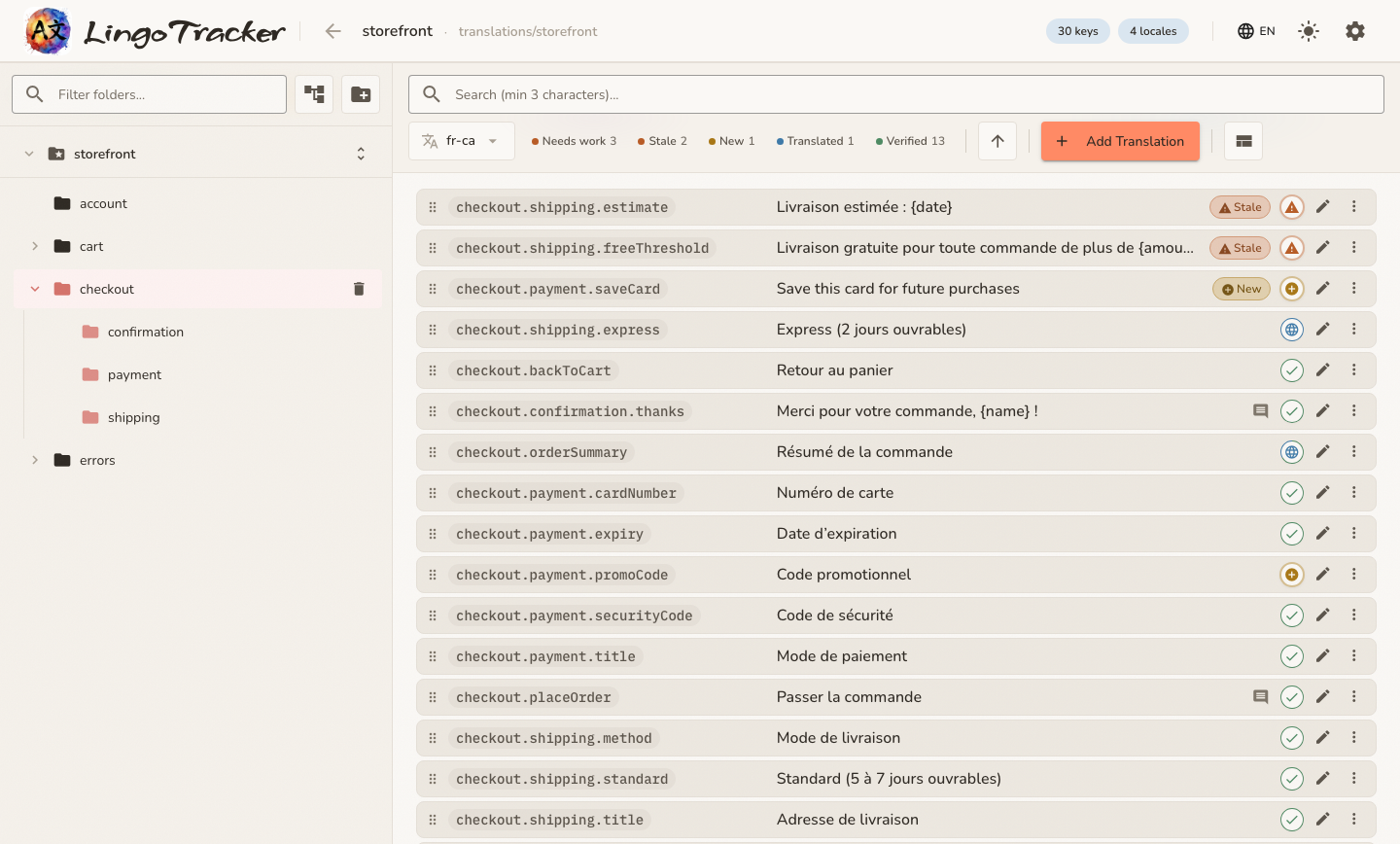
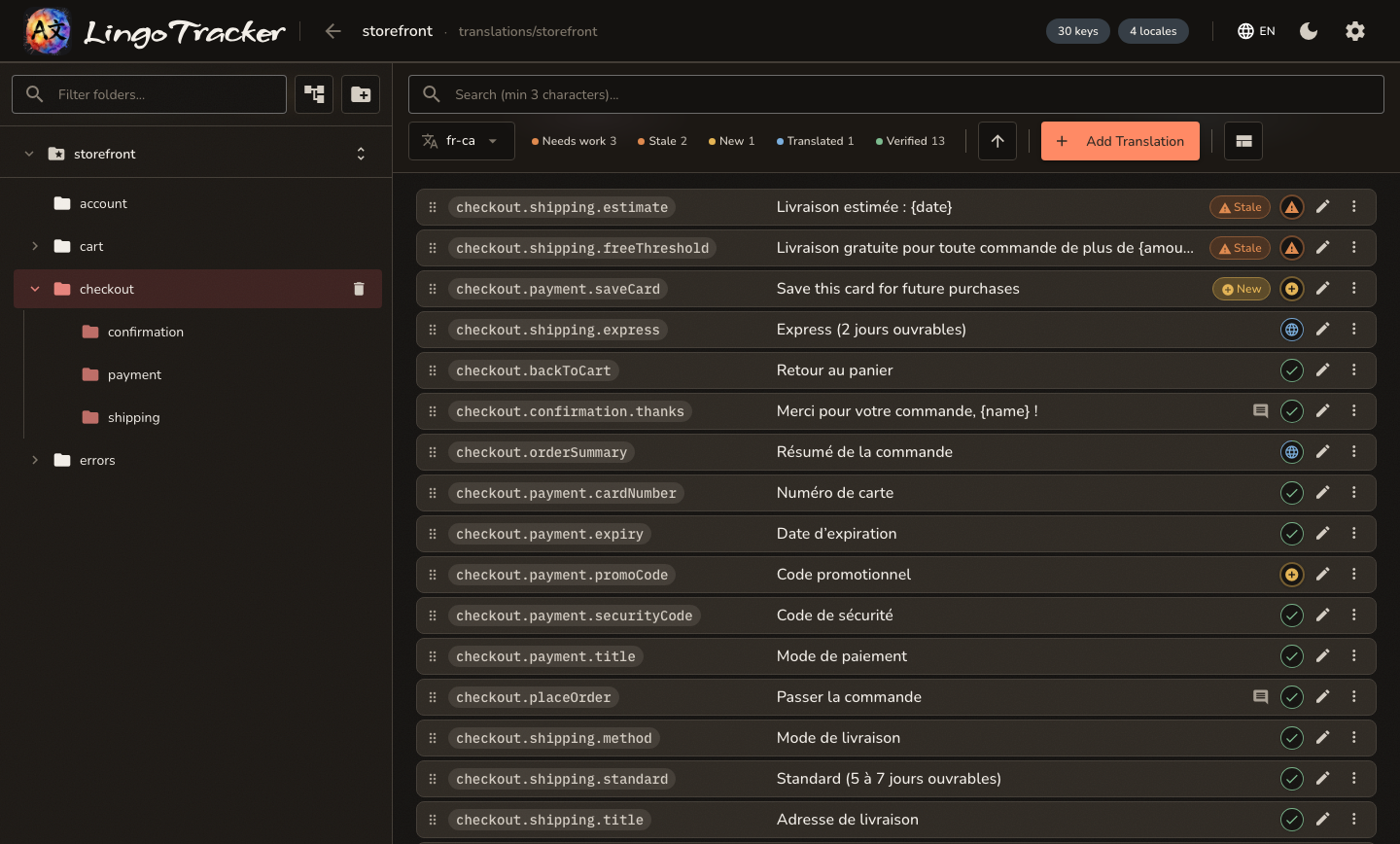
Browse and edit in a local web UI. Browse a folder tree, search across keys and values, filter by status, edit translations with similar-string suggestions, and run exports, imports and bundles with a live preview. See Tracker UI.
Let an AI assistant do the chores. install-skill writes a skill file tailored to your collections and bundles, so an assistant can find hardcoded strings, reuse existing keys, add resources and update components without guessing project details. See Working with an AI assistant.
What it does not do
Knowing the limits saves time:
- It does not host translations or coordinate translators. Hand-off happens through exported files.
- It has no user accounts, roles or history beyond what Git gives you.
- Auto-translation supports Google Cloud Translation v2 only, and skips plural, select and formatted ICU messages.
- The web UI runs locally with no authentication. It is meant for one developer's machine, not a shared server.
- The editor does not validate ICU syntax as you type, beyond rejecting placeholders in literal braces. The
validatecommand does. - Bundle output is plain nested JSON. Framework-specific integration beyond Transloco is up to you.
Status
LingoTracker is at 1.0. Every pull request to develop runs unit tests and CLI end-to-end tests for the affected projects. The web UI has a Playwright end-to-end suite.
Where to go next
- Getting Started installs the CLI, creates a project and generates a first bundle.
- Concepts explains keys, folders, statuses and checksums.
- Configuration is the reference for
.lingo-tracker.json. - CLI Reference and API Reference cover every command and endpoint.